Prompt & style converter

Turn reference images into reusable AI prompts.

AI Image to Prompt & Style Converter helps creators turn a visual reference into structured prompt language for Midjourney, Stable Diffusion, DALL·E, and other AI image tools.

Choose a style direction, generate a clear starter prompt, and refine it before using your preferred image model. This version creates prompt and style direction only, not final AI images.

Sample prompt previewCopy-ready format

Portrait / Character

Close-up portrait of a calm character, soft directional light, detailed facial features, layered clothing, muted cinematic palette, shallow depth of field, expressive mood.

subjectlightingcompositionstyle

Example prompt templates

See the prompt shape before you upload

These cards show safe sample prompt formats you can adapt. They are not real AI image results and are not generated from a user image.

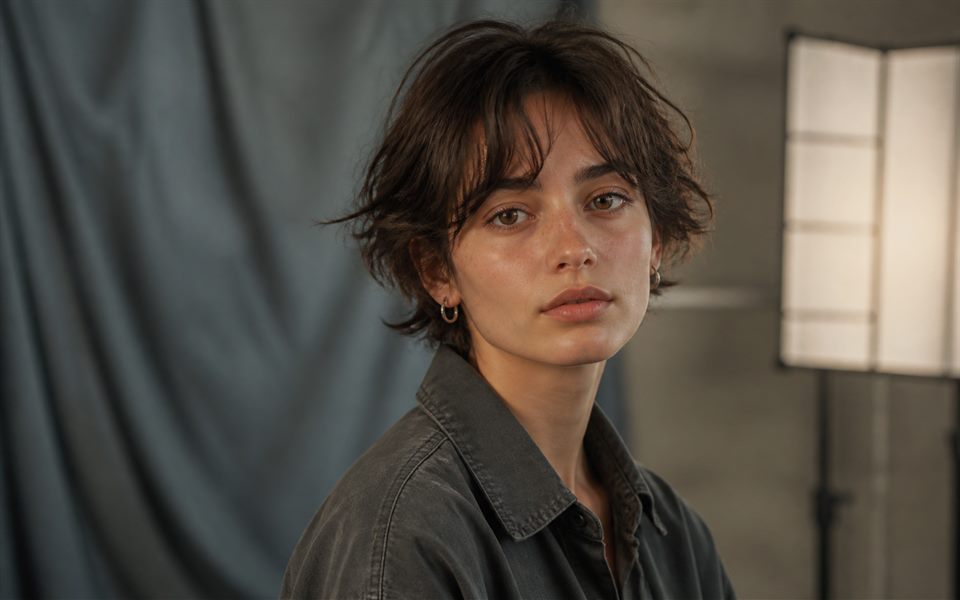
Fictional portrait character example style preview
Portrait format

Portrait / Character

Create prompts that capture expression, wardrobe, lighting, camera distance, and mood.

Close-up portrait, soft directional light, detailed facial features, layered clothing, muted cinematic color palette, shallow depth of field.
Use this format
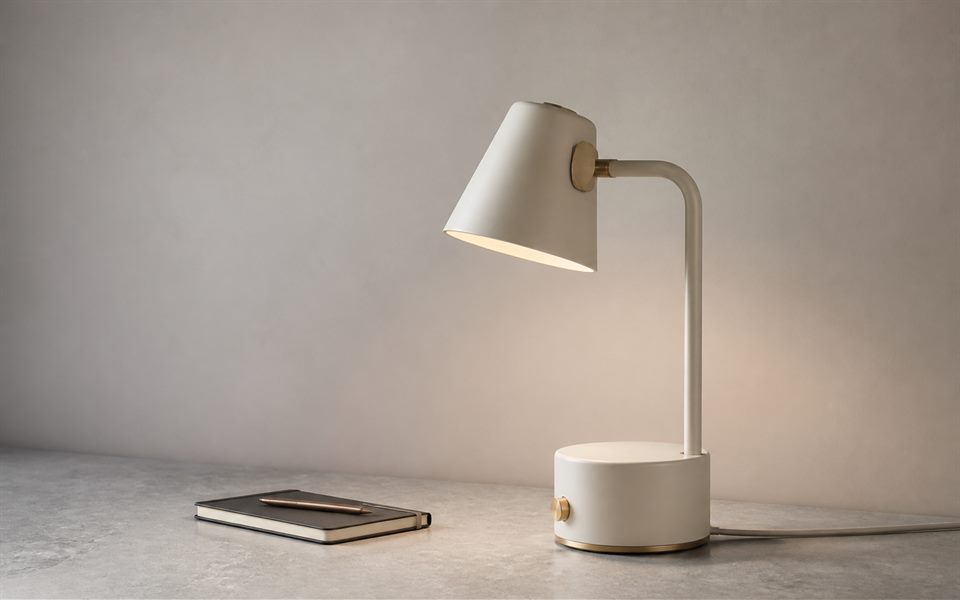
Unbranded product photo example style preview
Product format

Product Photo

Draft clean product prompts for mockups, ecommerce assets, landing pages, and ads.

Studio product photo, crisp edges, softbox lighting, subtle shadow, premium material texture, clean neutral background.
Use this format
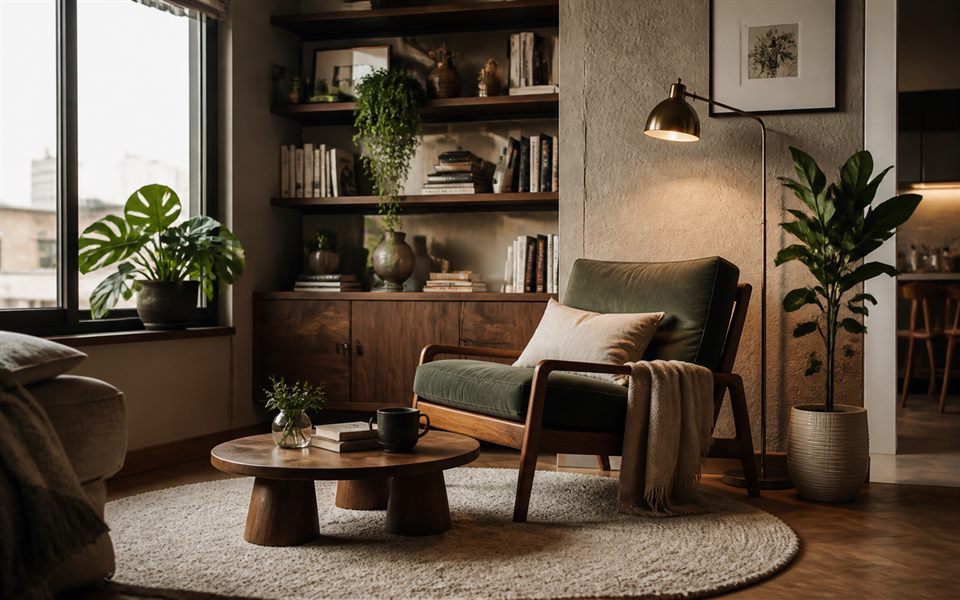
Interior room example style preview
Room format

Interior / Room Design

Describe room layout, furniture balance, materials, natural light, and atmosphere.

Modern interior room, warm natural light, balanced furniture layout, wood and stone textures, realistic architectural depth.
Use this format
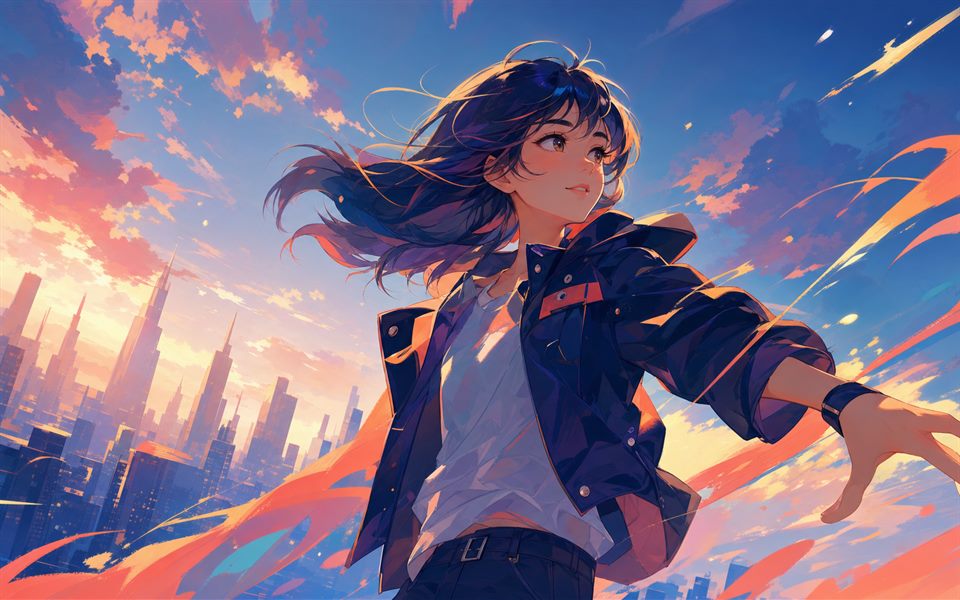
Original anime illustration example style preview
Illustration format

Anime / Illustration

Shape illustration prompts with pose, linework, color accents, background energy, and finish.

Expressive anime illustration, dynamic pose, clean linework, vibrant accents, soft rim light, polished digital art finish.
Use this format

Before / style direction

Preview the kind of creative direction your prompt can carry

These pairs are illustrative examples. The current version creates the structured prompt and style preset, not a final generated image.

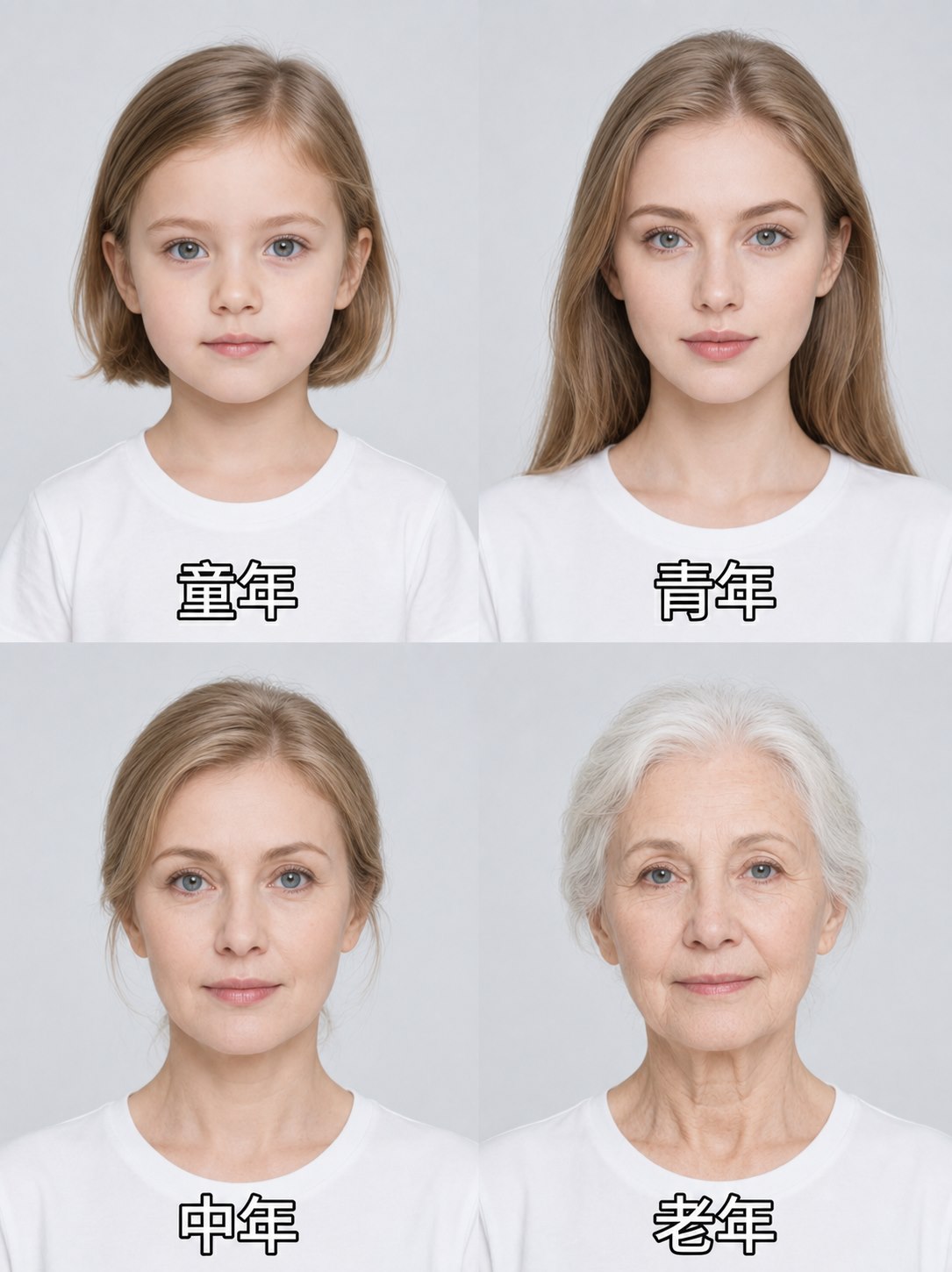
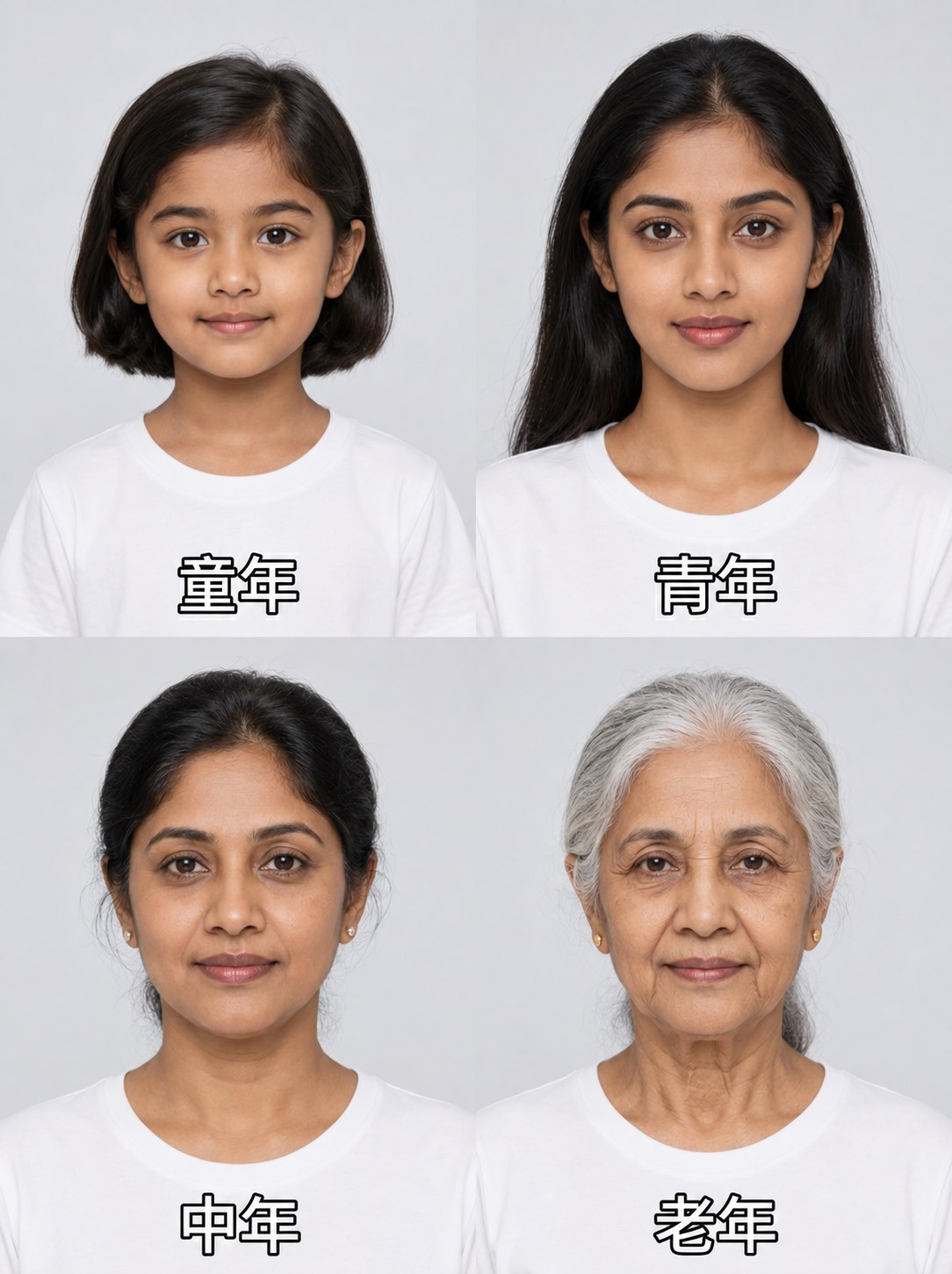
Portrait reference input example
Reference input example
Cinematic style direction sample
Sample style direction

Portrait reference to cinematic prompt

Turn a character reference into a prompt that describes lighting, camera distance, mood, and color grade.

Product reference input example
Reference input example
Studio product style direction sample
Sample style direction

Product reference to studio prompt

Translate a product reference into prompt language for surfaces, shadows, lighting, and background control.

Room reference input example
Reference input example
Interior design style direction sample
Sample style direction

Room reference to interior prompt

Describe layout, materials, natural light, and atmosphere so the prompt carries the room's design intent.

Prompt + style presets

Choose a preset language before you generate

Each preset gives the prompt a different creative structure while keeping the current upload-to-prompt flow unchanged.

Preset

Cinematic portrait

Subject, expression, wardrobe, lens distance, rim light, mood, and color grade.

Preset

Studio product photo

Object material, surface, shadow, background, softbox lighting, and commercial polish.

Preset

Anime illustration

Pose, linework, color accents, background energy, rim light, and digital finish.

Preset

Warm interior design

Furniture layout, textiles, wood and stone materials, natural light, and room depth.

Preset

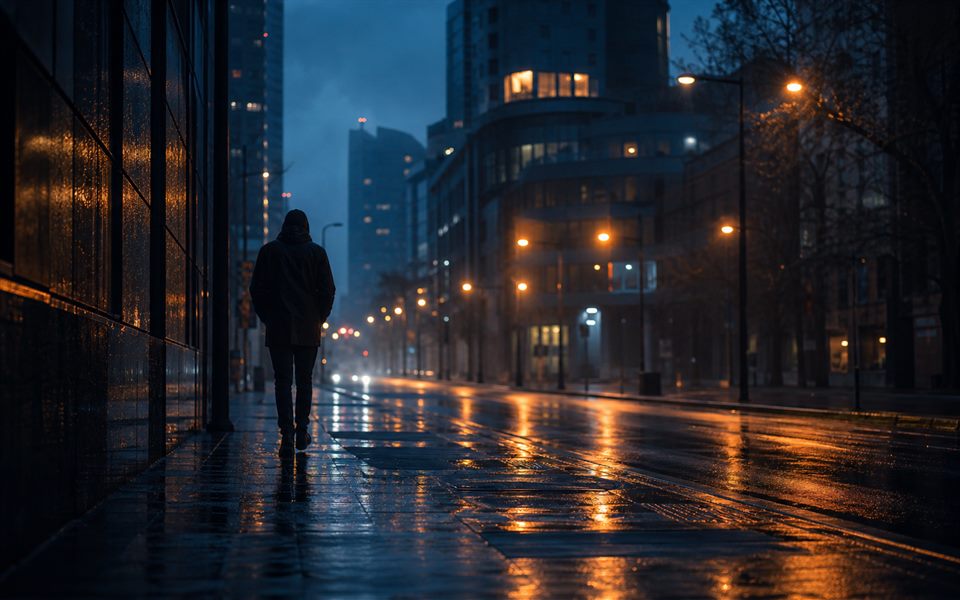
Cinematic still

Scene framing, wet reflections, blue-orange grade, atmosphere, depth, and filmic lighting.

Core Use Case

Use a visual reference as the starting point for a cleaner prompt and style direction instead of writing every detail from scratch.

How It Works

The tool combines the selected image, model preset, and style preference into a structured prompt draft users can edit before using in an image model.

Best For

Creators, designers, marketers, and prompt writers who want a faster way to describe image references for AI generation tools.

FAQ

What is an image to prompt generator?

An image to prompt generator helps turn a reference image into a written prompt that can be reused in AI image tools.

Who should use it?

It is useful for designers, AI artists, content teams, and anyone who wants to recreate or adapt a visual direction with clearer prompt language.

How does it work?

You upload an image, choose a model preset and style, and the tool returns a structured prompt draft with subject, scene, lighting, composition, and mood details.

Does it generate the final image?

Not yet. The current version generates the prompt and style direction. Real image generation is planned after provider, cost, privacy, and QA decisions are complete.

Can it generate prompts for Midjourney?

Yes. The tool includes a Midjourney preset and formats the prompt so it can be copied and refined for Midjourney workflows.

Is it free to use?

Yes. The current tool is free to use while future usage limits are still being evaluated.