Free AI tool

Turn a reference image into a style-ready AI prompt.

AI Image to Prompt & Style Converter helps users turn images into structured prompts and visual style directions for tools like Midjourney, Stable Diffusion, and DALL·E.

Upload one image, choose a model and style preset, then generate a clean starter prompt that describes the subject, scene, lighting, composition, and style. The current version does not generate final images yet.

Prompt Result

Upload an image and generate a prompt draft.

Privacy note: the browser preview is local, and the API does not store images.

Style prompt formats

Prompt templates you can adapt

These examples show sample output styles. They are not generated from a real image, do not imply image analysis, and do not represent final generated images.

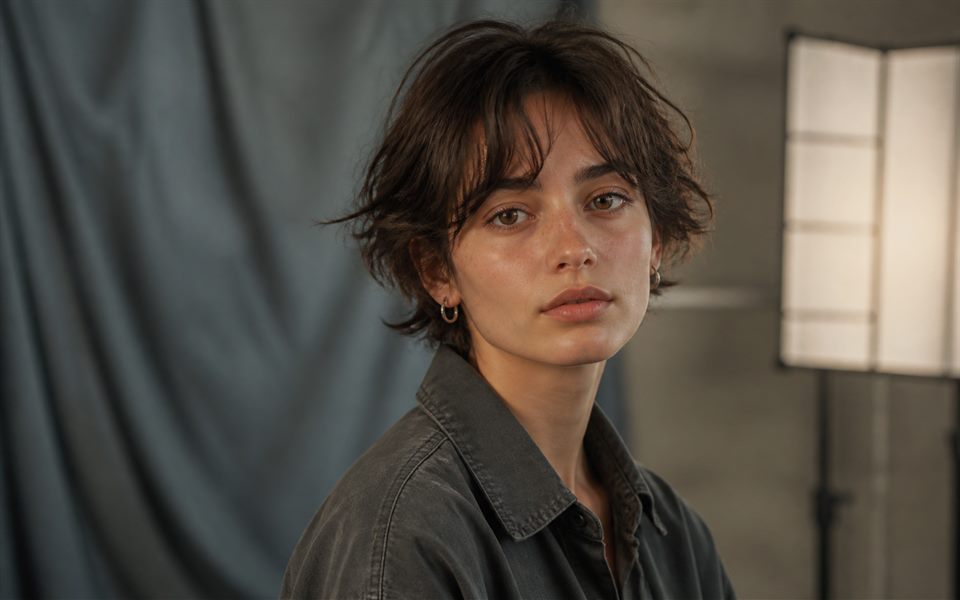
Fictional portrait character example style preview
Example style preview

Portrait / Character

Create a character prompt with subject, expression, lighting, clothing, and mood.

Close-up portrait of a thoughtful character, soft directional light, detailed facial features, layered clothing, muted cinematic color palette, shallow depth of field, expressive mood.
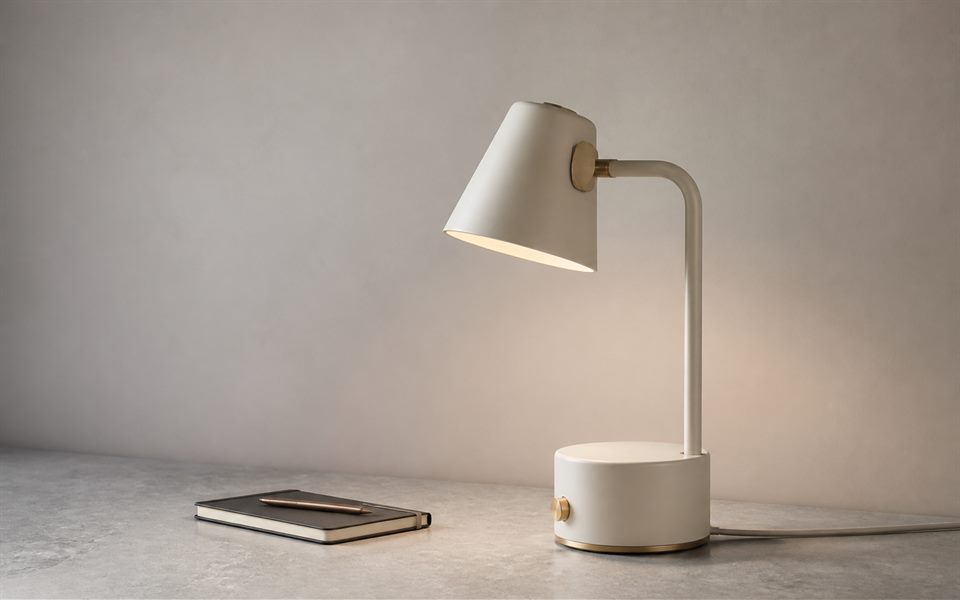
Unbranded product photo example style preview
Example style preview

Product Photo

Draft a clean product image prompt for ecommerce, ads, or landing page mockups.

Studio product photo of a minimal object on a clean surface, crisp edges, softbox lighting, subtle shadow, premium material texture, neutral background, high-detail commercial photography.
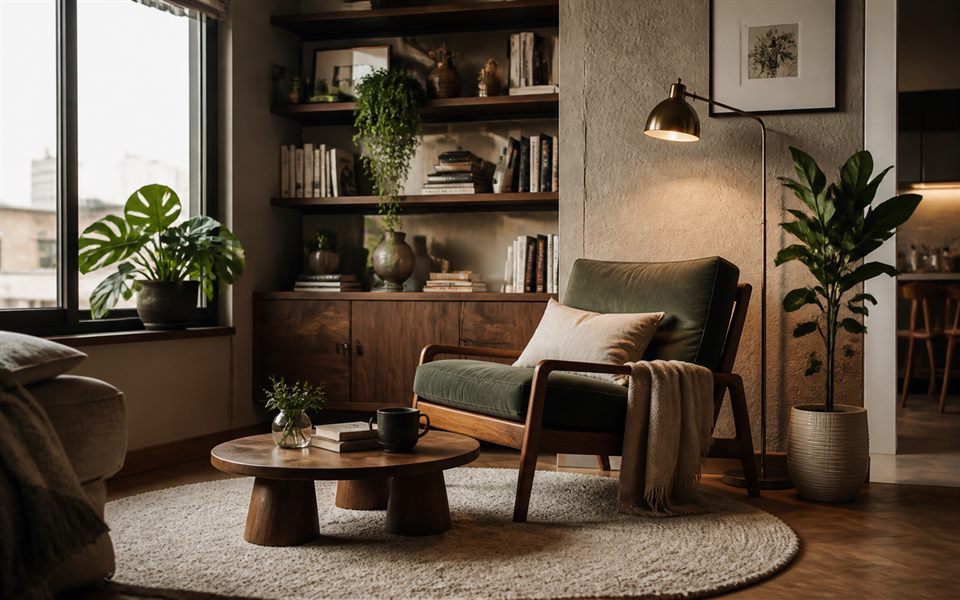
Interior room example style preview
Example style preview

Interior / Room Design

Describe a room scene with layout, materials, natural light, and visual atmosphere.

Modern interior room with warm natural light, balanced furniture layout, textured textiles, wood and stone materials, calm color palette, realistic architectural photography, inviting atmosphere.
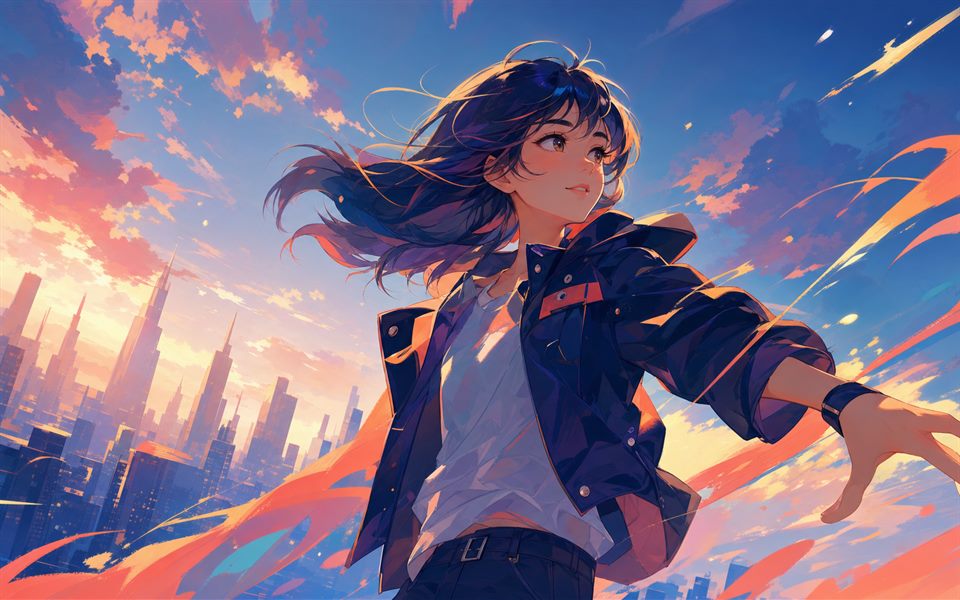
Original anime illustration example style preview
Example style preview

Anime / Illustration

Shape an illustration prompt with linework, color, character pose, and style notes.

Expressive anime-style illustration, dynamic character pose, clean linework, vibrant color accents, detailed background shapes, soft rim light, polished digital art finish, energetic mood.
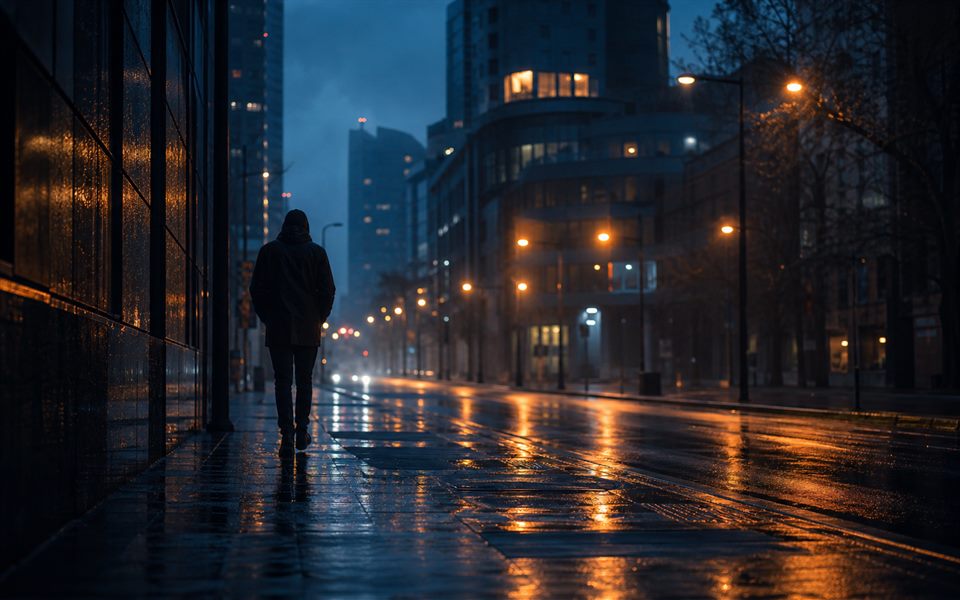
Cinematic street scene example style preview
Example style preview

Cinematic Style

Build a film-still prompt with lens language, atmosphere, lighting contrast, and color grade.

Cinematic still of a rainy city street at blue hour, wet pavement reflections, distant unidentifiable figure, blue-orange color grade, practical street lights, atmospheric mist, strong leading lines, filmic composition.

How This Image to Prompt Tool Works

Choose a reference image, select a model preset, and generate a prompt draft that describes the visible subject, scene, composition, lighting, mood, and style. The generated text is intended as a starting point that you can edit before using it in an AI image model.

What is an image to prompt generator?

It is a tool that converts the idea of a visual reference into written prompt language for AI image generation.

Who should use it?

Use it if you work with AI images, product mockups, thumbnails, concept art, visual references, or style exploration.

How does it work?

The tool accepts an image upload, previews it in the browser, reads the selected model and style, and returns a structured prompt through the `/api/generate` function.

Does it generate the final image?

Not yet. The current version generates a structured prompt and style direction. Real image generation is planned after provider, cost, privacy, and QA decisions are complete.

Can it generate prompts for Midjourney?

Yes. Select the Midjourney preset, then copy the generated prompt and adjust details such as aspect ratio, camera language, or stylization.

Is it free to use?

Yes. The deployed tool is free to use and does not require payment or login.